myJogger
Manual
This is the manual for release 1.0. If you do not have this version, some changes can be found in this manual.
At start, myJogger will display the main screen of the application :
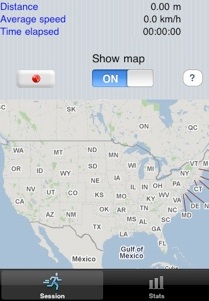
The screen shows 2 tabs and you can swith from each other at any time :
-
•Stats : Shows the stats of the current running session
-
•Training sessions : Shows the previous training sessions
Stats
To start a new session, just click on  button. The GPS will then start initialisation :
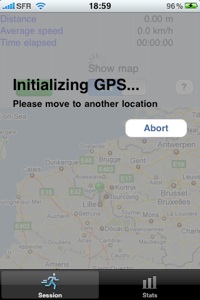
To help him, just move away of few steps, i.e. start running. This initialisation should no exceed few seconds, according to weather conditions.
During the training session, you can hide the map to improve battery performances.
Be aware to not put your iPhone in sleep mode by clicking on the upper right button : this would result in inaccurate data capture.
Once your session is over, just click on the  Button.
Training Sessions
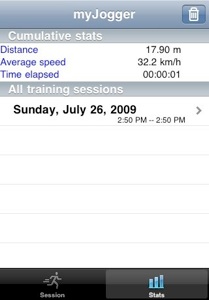
The training session tabs allows you to review your old training sessions.
To get details on each session, just click on the related line. You will the be able to review your speed per kilometer, and the detailed map of your sessions.
To delete a session just swipe it !
That’s all. You are now fully operational with myJogger !!
Copyright © 2008-2009 David Scrève
All Rights Reserved